Town Hall Event Management in PuneEvery row hears the same answer

Company town halls planned and run in your office or at a venue. We set up screens, audio and seating, stream it cleanly to remote teams, rehearse the leadership and keep the Q&A moving, so the meeting ends when it said it would.

  • All-hands meetings
  • Quarterly updates
  • Leadership Q&A
  • Hybrid streaming
  • Screens and audio
  • Recording and captions
Town Hall Event Management in Pune

Town hall event management in puneOne message, heard the same way

A town hall is the cheapest event a company runs and one of the easiest to get wrong. There is no artist to hide behind and no decor to admire. There is a leader talking, a screen, and a room full of employees deciding in the first two minutes whether they can hear properly. Everything in the plan serves that.

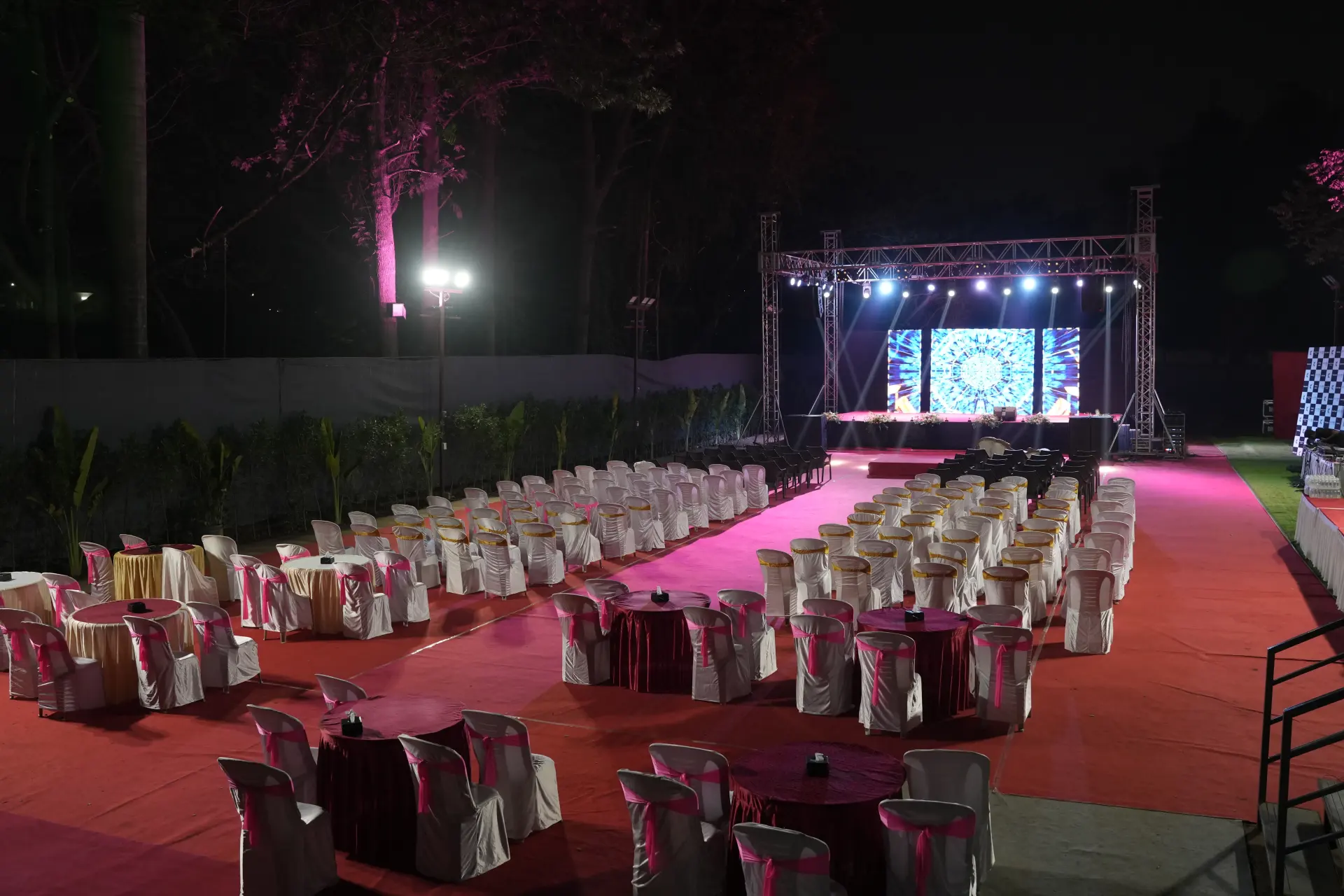
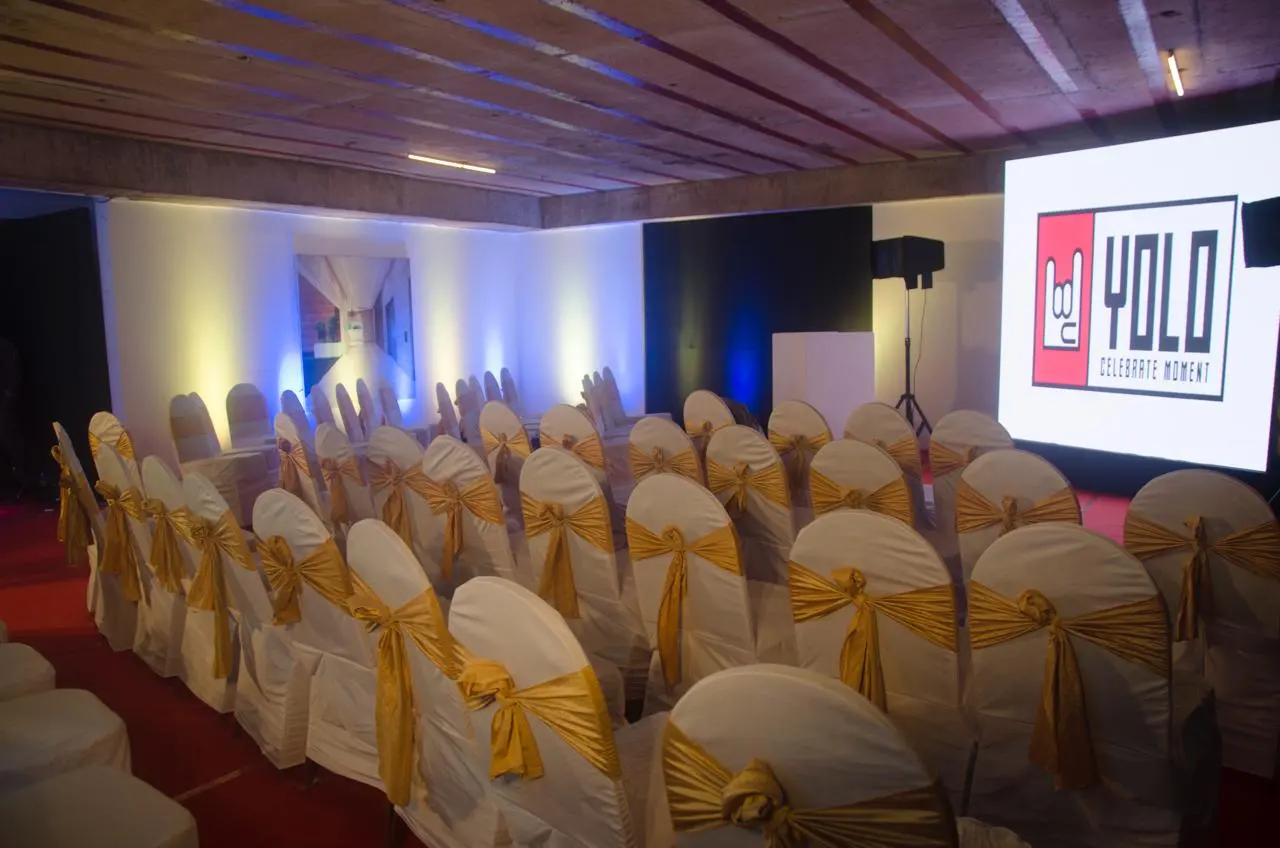
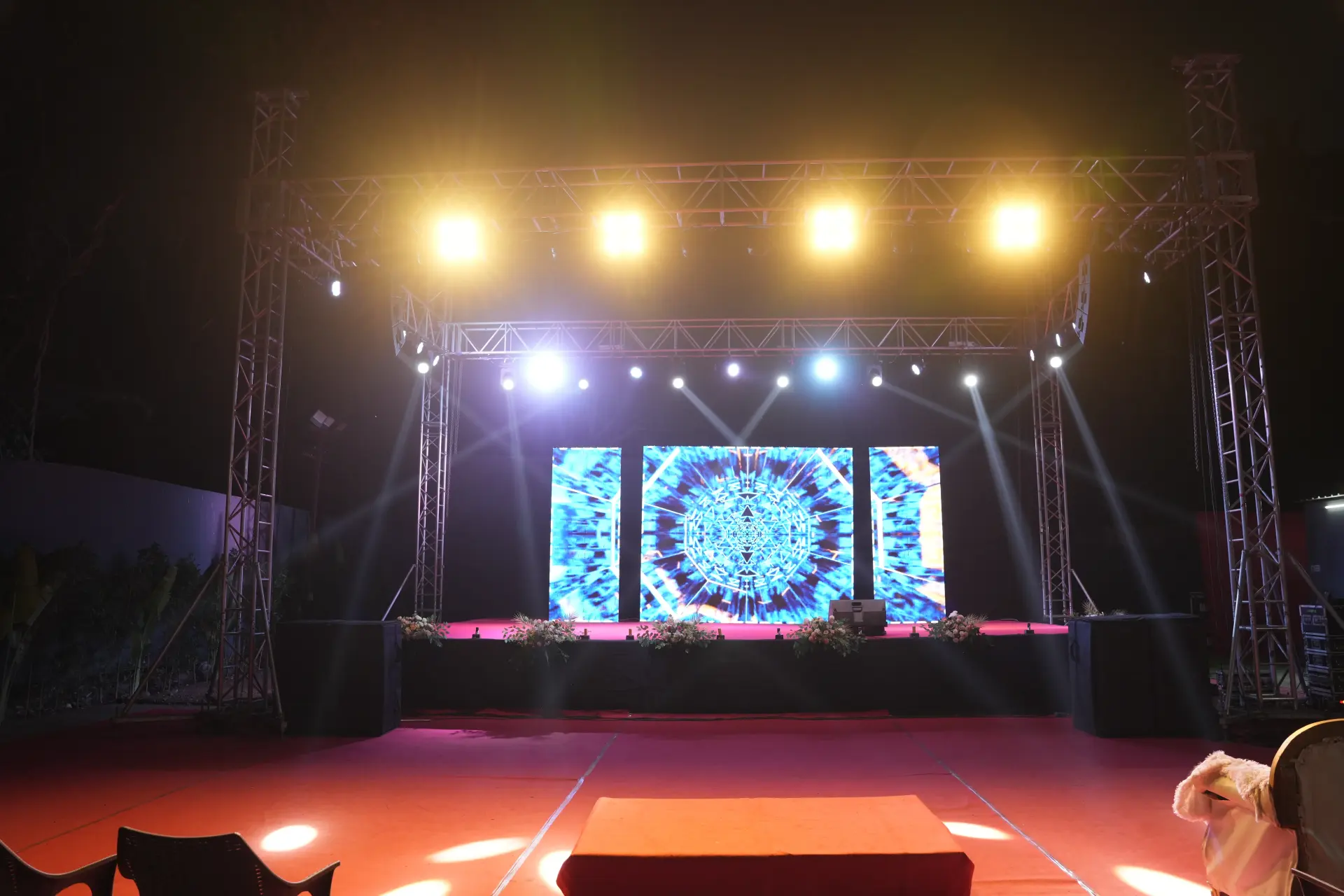
We set up town halls in office cafeterias, atriums and training rooms, and in hired halls when the headcount outgrows the building. The work is unglamorous and specific: speakers angled so the back row gets the same level as the front, a screen that stays readable with the lights up, roving microphones that do not squeal, a stream that remote teams can actually follow, and a run-through with your leadership before anyone else walks in.

Town halls also repeat. A quarterly rhythm means the setup should get faster each time, not slower, so we keep the room plan, the deck template, the stream settings and the Q&A process from one edition to the next. Your HR or communications lead gets one point of contact and a cue sheet that fits on a single page.

  • Running since 2013, 500+ events planned and run
  • Audio checked from the back row, not the console
  • Hybrid stream with a separate audio feed for remote teams
  • A leadership run-through before the doors open
  • Live and pre-submitted questions handled together
  • Recording, captions and short clips after the meeting
Town hall event management in pune

Town halls we runFormats and cadences

01

Monthly all-hands

A short, repeatable format with a fixed room plan, a standing deck template and the same stream settings each time.

02

Quarterly business update

Numbers on screen, function-wise updates and a longer question window, usually followed by tea and floor conversations.

03

Leadership address

A senior leader speaking to the whole company, with a tighter run-through, a prepared open and a moderated question set.

04

Year-opening town hall

Goals for the year, a recognition segment and a longer programme, often held at a venue rather than in the office.

05

Function town hall

One department or site, smaller room, more discussion, and a format that leaves real time for questions.

06

Multi-location town hall

One live room and other offices joining, with a stream, a moderator at each end and questions pooled into one queue.

07

Announcement town hall

A change, a restructure or a new leadership announcement, planned with tight timing, careful Q&A handling and no surprises.

08

New-joiner town hall

An induction-style session with introductions, a walk through how the company works, and space for first questions.

What we handle for a town hallRoom, screen, stream, questions

These are the parts of a company town hall we plan, set up and run for you.

Room and seating plan

Seating laid out for your confirmed headcount, with sightlines checked from the back and side rows before a chair is placed.

Screens and audio

A screen sized to the room and lighting, speakers covering the whole floor evenly, lapel and roving mics, and a spare of each.

Hybrid stream setup

Camera, a clean audio feed from the desk, a tested link and a second internet line, so remote teams see and hear the same thing.

Leadership run-through

A walk-through of entries, mic handling, slide cues and timings with your speakers, done in the room before doors open.

Q&A collection and moderation

Questions gathered ahead and taken live, grouped by theme, handed over on cards, with roving mics staffed in the room.

Recording and clips

The session recorded with usable audio, captions where you need them, and short clips cut for people who missed it.

How our event planning worksFrom first call to final bow.

  1. 01 Day 1

    The call

    Tell us the date, the guest count, the budget and the feeling you want in the room. We ask the questions most people forget.

    You getFirst ideas and a budget range

  2. 02 Week 1

    Concept & moodboard

    Theme, décor, stage layout and a minute-by-minute run of show, drawn up and revised until it feels like yours.

    You getMoodboard, layout and an itemised quote

  3. 03 Weeks 2–4

    Venue, vendors & permissions

    Venue shortlists, caterers, artists, anchors and the paperwork — police, music licences and venue approvals — handled by us.

    You getLocked vendors, one point of contact

  4. 04 Event eve

    Build & rehearsal

    Décor goes up, truss and LED walls are rigged, sound is checked and the anchor rehearses every cue with our show caller.

    You getA walk-through before guests arrive

  5. 05 Show day

    Showtime & wrap

    Our crew runs the floor, the stage and the guests. When it is over, we clear the venue and send you the photos.

    You getA calm host — you — and the memories

Town halls fail for mundane reasons. The back row cannot hear. The slides are unreadable with the lights on. The remote team gets a phone held up to a speaker. The first question takes four minutes to arrive because nobody wants to go first. Each of these has a fix, and every fix is decided days before the meeting, not in the room.

In the office, or at a venue

Decide by headcount and acoustics, not by cost. An office cafeteria or atrium is fine while everyone can sit and see. Past that point the back of the room ends up standing behind a pillar, the air conditioning gives up, and half the audience drifts out early. Before you commit to the office, check seated capacity against your real headcount, ceiling height and echo, pillars in the sightline, daylight falling on the screen, sanctioned power for screen and sound, and how quickly the space has to return to normal use afterwards.

A hired hall near Hinjewadi or beside your campus buys you a flat floor, controllable light, a proper stage riser and parking, at the cost of travel time out of the working day. A good middle path for large offices is to keep the leadership and a live audience in the building and stream to a second room, which is cheaper than moving everyone and keeps the meeting feeling like a company event rather than a broadcast.

Screens and audio, so the last row hears

Size the screen to the room and to the light in it. A projector fighting daylight through glass will lose, so either the blinds close or the screen becomes an LED panel. Set the slide template in advance with a large minimum type size and few words per slide, because a town hall deck is read from thirty feet, not from a laptop.

Audio is where most of the complaints come from. One speaker box at the front covers the first few rows and nothing else; a room needs speakers spread so the level is even, and delay fills at the back for a long hall. Give each speaker a lapel mic, keep a handheld in reserve, and put two roving mics in the room with staff who know where to stand. Then do the check that matters: play speech at conversational volume and walk to the furthest corner with the room empty, then adjust again once chairs are full, because a full room absorbs sound. Rigging, power and stage detail for larger halls sit on our event production page.

The people who are not in the room

Plan the remote audience as a second venue, not as an afterthought. They need a clean audio feed taken from the mixing desk rather than a camera microphone, a camera framed on the speaker and not on the whole hall, and slides shared as a proper source so text stays sharp. Put someone on the call whose only job is the remote room: they watch the stream, confirm at the start that audio and video are good, and flag problems to the desk.

Internet needs a backup. A wired line with a mobile hotspot standing by is enough, but it must be tested at the same hour of day as the meeting, on the same network, with the same number of people in the building. Ask your IT team about firewall rules and streaming permissions early, since that approval is the most common last-minute blocker. Agree who in the remote audience can unmute, and how questions travel from chat to the moderator.

The leadership run-through

Rehearse with the speakers in the actual room, even if it takes fifteen minutes. Walk the entry, hand over the mic, click through the deck, agree where they stand so they do not drift out of camera or in front of a speaker box, and time each segment out loud. Speakers almost always run longer than they think, which is how a Q&A window disappears.

Agree the hard finish and who enforces it. Give the person opening the meeting a written first line, because a shaky start sets the tone for the whole session. And decide in advance how a difficult question will be handled: answered fully, answered partly with a date for the rest, or taken offline with a named owner. Saying that policy out loud at the start earns more trust than a smooth deck.

Q&A without dead air

Collect questions before the meeting and take them live as well. A short form open for a few days gives you themes, lets leadership prepare, and guarantees the first question exists. Group what comes in, drop duplicates and hand the moderator a card with a starting set.

In the room, keep two roving mics moving and never let a question be answered without one, otherwise the remote audience hears silence and then an answer to nothing. Repeat each question into a mic before answering. Keep a visible timekeeper. Close by naming what will be followed up, by whom, and by when. Then publish the recording, the unanswered questions and their answers within a few days, because that follow-up is what makes people ask again next quarter. Larger sessions with external delegates, speakers and registration work differently and are covered by our conference organisers service.

The ten working days before

Working dayWhat gets settledWho owns itTrap to avoid
Day tenDate, room or venue, headcount, hard finish timeHR or communications leadBooking a room for the meeting but not for the setup hours
Day eightAgenda, speakers, segment timings, deck templateCommunications, with each speakerAn agenda with no minutes written against it
Day sixQuestion form opens; stream platform and IT approvalsHR with ITFirewall rules discovered on the morning
Day fourRoom layout, screen size, audio plan, camera positionOur team, after a recceSeating drawn without checking pillars and sightlines
Day twoFinal deck locked; questions grouped; cue sheet issuedCommunications and our show callerSlides still changing after the run-through
Day oneSetup, sound check from the back row, stream testOur crewTesting the stream on an empty network
Day zeroLeadership run-through, doors, live session, recordingEveryone, on one cue sheetThe run-through being skipped because people are busy

Run this list once and it becomes a template. By the third town hall, most of it is copy and confirm, and your planning checklist does the remembering for you.

Town hall event management in pune — FAQsQuestions people ask us.

Can't find yours? Call or WhatsApp — a planner answers.

What is a company town hall?

A town hall is an internal all-hands meeting where leadership shares updates with the whole company and takes questions. It is not a conference: there are no external delegates, no registration and no breakout tracks. The audience already works for you, the agenda is short, and the value sits in whether people can hear clearly and ask openly.

How much does town hall event management cost in Pune?

Cost is driven by headcount and room size, how much screen and audio the space needs, whether it runs in your office or a hired hall, whether the session is streamed to other locations, the number of setup hours, and extras such as recording, captions and clips. Send us the headcount, the venue and the date, and we will send an itemised quote.

How long should a town hall be?

Forty-five to sixty minutes works for most companies, with at least a third of that left for questions. Anything longer needs a break and a reason. Time each segment out loud during the run-through, because speakers routinely overrun and the question window is what gets eaten. Set a hard finish and name the person who enforces it.

Should we hold the town hall in our office or at a venue?

Hold it in the office while everyone can sit, see and hear; move to a venue once they cannot. Check seated capacity against your real headcount, look for pillars, echo, daylight on the screen and air conditioning at full load. For large offices, a live room plus a streamed overflow room is usually cheaper and quicker than moving everyone out.

How do you handle questions at a town hall?

Collect them before the meeting and take them live as well. A form open for a few days gives leadership themes to prepare and guarantees a first question. In the room, two roving mics stay moving and no question is answered without one, so remote viewers hear it. Close by naming follow-ups, owners and dates, then publish the answers.

How do you include remote teams in a town hall?

Treat the remote audience as a second venue. They get a clean audio feed from the mixing desk, a camera framed on the speaker, slides shared as a proper source, and one person on the call whose only job is watching the stream. Test the link on the same network at the same hour, and keep a backup connection ready.

Should a town hall be recorded?

Yes, for anyone who could not attend, and agree beforehand what is shared. Record with desk audio rather than room audio, note the timing of each segment so clips are easy to cut, and add captions if teams watch without sound. Decide in advance whether the question section is included, and tell the room before the meeting starts.

How much notice do you need to set up a town hall?

Ten working days is comfortable for a standard all-hands, and we have turned them around faster. The slow items are venue booking if you are leaving the office, IT approval for streaming, and getting speakers into one room for a run-through. If the date is tight, tell us on day one and we will work the agenda backwards from it.

More from Plan With YOLOPages people read next.

Make the next one routine

Send us your headcount, the room and the date, and we will come back with a layout, an audio plan and a cue sheet that fits on one page.

Talk to a planner