

Mobile App Development in PuneStart with the smallest app that works

We design and build Android and iOS apps for Pune businesses, startups and events. We scope a focused first version with you, launch it, and improve it based on how people actually use it.

  • Android apps
  • iOS apps
  • Cross-platform builds
  • Event and check-in apps
  • UI and UX design
  • Support after launch

Android and iOS app developmentAn app should solve one problem well

Most app ideas are bigger than the first version needs to be. Before any design, we work with you to find the core problem the app solves and the few features a user must have on day one. Everything else goes on a list for later. This keeps the first release focused, affordable and quicker to reach real users.

We build for Android and iOS, usually from one shared codebase so both versions stay in step. Where your app needs a web dashboard, payments, notifications or a link to an existing system, we plan that into the scope up front rather than discovering it halfway through.

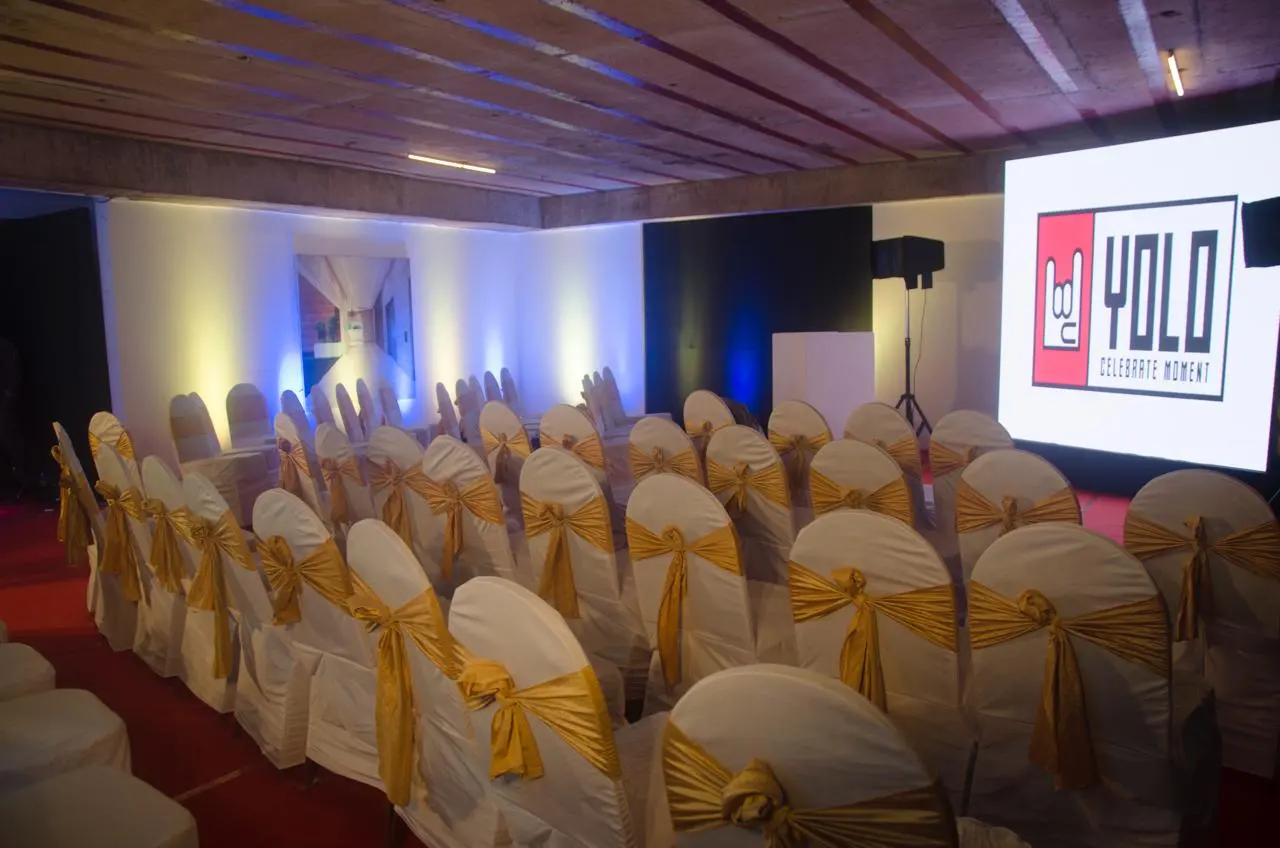
Events give us a clear view of what an app must do under pressure. An event app has to load the agenda on patchy venue Wi-Fi, scan a QR code at the gate in seconds and push a session change to everyone at once. We bring the same thinking to business apps: simple screens, fast loading and features tested with real users before launch.
  • A written scope with a focused first version
  • Android and iOS from one shared codebase
  • Clickable design you test before development
  • Store submission handled with you
  • Support and updates after launch
Android and iOS app development

What app development includesSix stages every app goes through

Every app project covers these six parts, from the first idea to life after launch.

Discovery and scope

We define users, the core problem and a first-version feature list, with everything else parked for later.

UI and UX design

Screen flows and a clickable prototype you can try on your phone before any code is written.

App development

Android and iOS builds, plus any admin dashboard, database and integrations the scope includes.

Testing on real devices

Testing across common phones, screen sizes and network conditions, with bugs fixed before release.

Store submission

Listings, screenshots and submission to Google Play and the App Store under your own accounts.

Support after launch

Bug fixes, OS updates and planned improvements based on how people use the app.

Apps we buildThe kinds of apps we take on

  1. 01

    Event and conference apps

    Agenda, speakers, venue map, announcements and QR check-in for conferences, expos and large corporate events.

  2. 02

    Booking and appointment apps

    Slot booking, reminders and payments for clinics, salons, studios and service businesses.

  3. 03

    Ordering apps

    Menus or catalogues with ordering and order tracking for local shops and food businesses.

  4. 04

    Field team apps

    Attendance, visit logs, photos and reports for sales and service teams on the move.

  5. 05

    Customer loyalty apps

    Points, offers and notifications that bring repeat customers back to a local brand.

  6. 06

    Startup MVPs

    A focused first version to test an idea with real users before larger investment.

  7. 07

    Internal company apps

    Simple tools for approvals, inventory or employee communication, built around one clear workflow.

How we plan itFrom first call to final bow.

  1. 01 Step 1

    Discovery and scope

    We agree the users, the core problem and the first-version feature list.

    You getA written scope and timeline

  2. 02 Step 2

    Design and prototype

    We design the screens and share a clickable prototype to try on your phone.

    You getAn approved prototype

  3. 03 Step 3

    Build in stages

    We develop in short stages and share test builds as features are ready.

    You getRegular test builds

  4. 04 Step 4

    Test and launch

    We test on real devices, fix issues and submit to the app stores with you.

    You getYour app in the stores

  5. 05 Step 5

    Support and improve

    We fix bugs, handle OS updates and plan the next features from real usage.

    You getA maintained, growing app

The most important decision in an app project is what to leave out of the first version. An app that does three things well will be used; an app that does fifteen things half-well usually will not.

Check whether you need an app at all

Some ideas work better as a mobile-friendly website. If people will use it once or twice, such as registering for an event or placing a one-time order, a website is cheaper, faster and needs no download. An app earns its place when people return often, need notifications, use the camera or location, or must work offline. If you are unsure, launch a web version first, watch how people use it, and build the app once the demand is clear. Nothing you learn from the web version is wasted.

Android or iOS first?

In India, most users are on Android, so many consumer apps start there. But if your users are corporate teams, senior professionals or premium customers, iOS may matter just as much. A cross-platform build lets you launch on both from one codebase, which is usually the practical choice for a first version.

What to prepare before the first meeting

  • Who the users are and the one thing they must be able to do.
  • What happens behind the app: who manages orders, bookings or content, and on which system.
  • Accounts you should own: a Google Play developer account and an Apple developer account in your company's name.
  • Your launch date, especially if the app is tied to an event, a store opening or a campaign.

Apps for events

An event app has a fixed deadline and a short life, so plan it early. Attendees need to download and log in before the day, so the app should be ready when invites go out. Test check-in at the real venue, whether it is a hotel ballroom in Viman Nagar or a convention hall near Magarpatta, because venue Wi-Fi is often weaker than expected. If the event is a one-off, a web app may do the job. We plan the event itself through our corporate event service, so the app, the check-in desk and the run of show are designed together.

Mobile app development company in pune — FAQsQuestions people ask us.

Can't find yours? Call or WhatsApp — a planner answers.

How much does it cost to build an app in India?

App cost in India depends mainly on the number of features, screens and integrations, and whether you need Android, iOS or both. A focused first version with login and a few core screens is a much smaller job than an app with payments, live tracking and an admin dashboard. We scope your idea first and send an itemised estimate so you can decide what to build now.

How long does app development take?

A focused first version usually takes a few months from scope to store launch, and larger apps take longer. The main factors are the number of features, integrations with other systems and how quickly designs are approved. App store review adds some days at the end. If your app is tied to an event or launch date, tell us at the start.

Should I build Android or iOS first?

Build for where your users are. Most Indian consumers use Android, so many consumer apps start there. If your users are corporate teams or premium customers, iOS may matter equally. A cross-platform build covers both from one codebase, which is often the practical choice for a first version because you do not have to maintain two separate apps.

Do you maintain apps after launch?

Yes. Apps need ongoing care: Android and iOS release updates every year, libraries change, and users report issues you could not predict in testing. We offer support after launch for bug fixes, OS compatibility and planned improvements. You can also take the code to another developer at any time, because the source and store accounts stay with you.

Can you build an app for our conference or event?

Yes. An event app usually includes the agenda, speaker profiles, a venue map, announcements and QR check-in, with an admin panel for last-minute changes. For one-off events, a web app can do the same job without a download. Because we also plan and run events, we design the app around how the entry desk and sessions will actually run.

Who owns the app and its code?

You do. We publish the app under your own Google Play and Apple developer accounts, and the source code and admin access are handed over to you. That means you are never locked in: you can keep working with us, bring the work to your own team, or move to another developer later without rebuilding from scratch.

Tell us the one problem it solves

Share your app idea and who it is for, and we will suggest a focused first version.

Talk to our digital team